Midjourney အသုံးပြုသူများနှင့် အတွက် သီးသန့် ဝက်ဘ်ဆိုက်စတင်မောင်းဖြင့် - အခမဲ့ AI ပုံရိပ်ဖန်တီးမှု သုံးစွဲနိုင်ပါသည်
Brief news summary
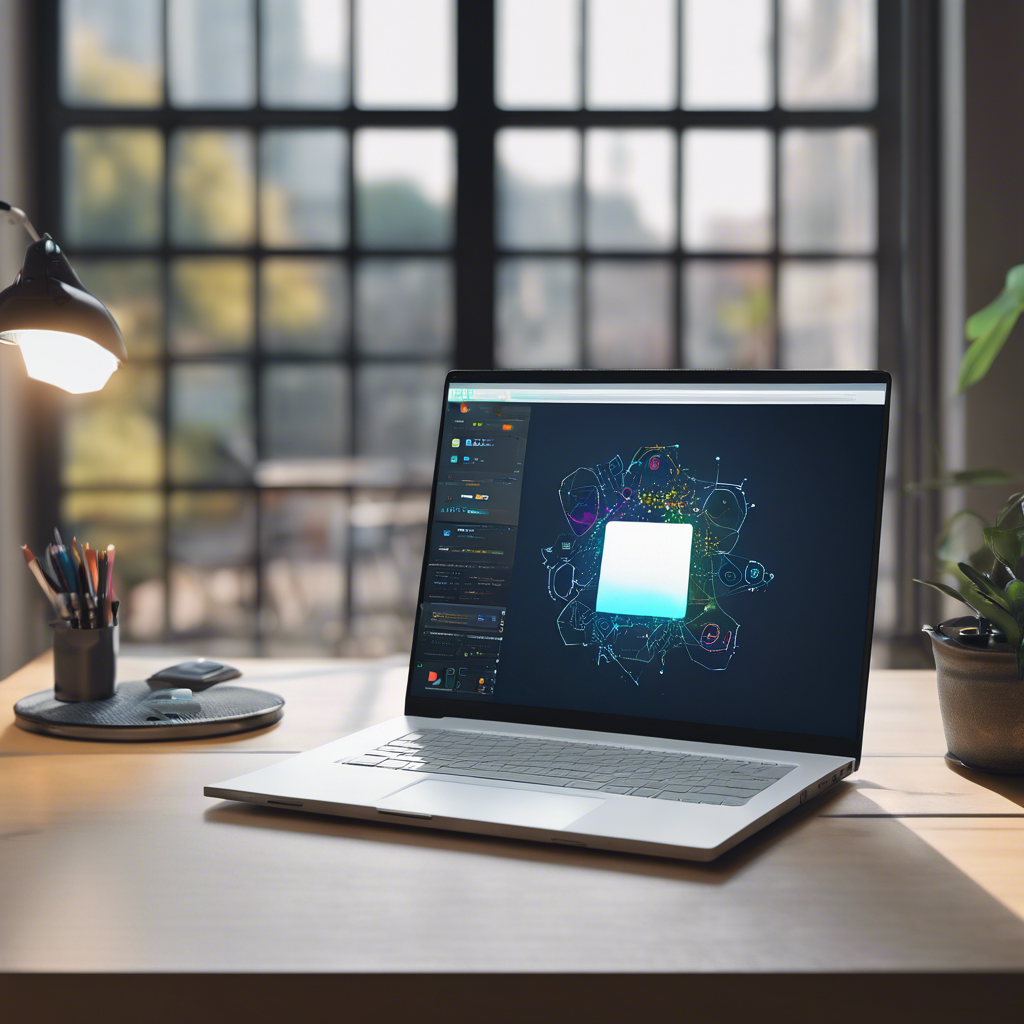
Midjourney, an AI image generator, now has a dedicated website that allows users to create images for free. Previously, users had to navigate through Discord to use the platform, which proved to be a cumbersome experience. To make the process more accessible, Midjourney launched a website last year, initially limited to users who had generated a minimum of 10,000 images via Discord. Now, anyone can access the website and benefit from a smoother experience. Users can sign up using Google or Discord accounts, with an option to merge the two for convenient sign-ins. The website features different sections and tasks, including exploring images created by others and requesting custom images. Midjourney offers the ability to refine and customize generated images, with an editor that allows users to modify specific areas, adjust scale and aspect ratio, add new elements, and more. Additionally, the website provides an organized view of generated images and offers chat rooms for users to interact and share tips.ယုံကြည်စိတ်ချရသော AI ပုံရိပ်ထုတ်လုပ်ဂျင်နရေးတာကို ရှာနေပါသလား?Midjourney အတွက် ယခုအခါ၌ သူ၏ကိုယ်ပိုင် ဝက်ဘ်ဆိုက်ကို ပေးထားပြီး စမ်းသပ်ပါရန် အခမဲ့ဖြစ်သည်။ မကြာသေးခင်က Midjourney CEO David Holz သည် မည်သူမဆို ဝက်ဘ်ဆိုက်ကို ချိတ်ဆက်ပြီး ပုံရိပ်များ ဖန်တီးနိုင်ကြောင်း ကြေညာခဲ့သည်။ သီးသန့်ကမ်းလှမ်းချက်အဖြစ် အသုံးပြုသူများသည် အခမဲ့စမ်းသပ်ချက်မှတစ်ဆင့် အထိ 25 ပုံရိပ်ထိ ထုတ်လုပ်နိုင်ပါသည်။မတိုင်ခင်က Midjourney အသုံးပြုသူများသည် Discord ကို မှီခိုပြီး AI အခြေပြုပုံရိပ်များနှင့် ပြန်လည်ပြင်ဆင်ကြသည်။ ဒီလုပ်ငန်းစဉ်မှာ ပုံနှိပ်ပြီး ပြုလုပ်ရသော prompt များကို ကစားပြီး အသေးစိတ် နားလည်ဖို့လိုဖြစ်ပါတယ်၊ ဒါကြောင့် ပြောရရင် အဆင်မပြေဘူးလို့ ခေါ်နိုင်ပါတယ်။ Discord ကို အလိုမရှိတဲ့ အသုံးပြုသူများပဲ အတွက် Midjourney သည် သူ့ကိုယ်ပိုင် ဝက်ဘ်ဆိုက်ကို မနှစ်ကနောက်ပိုင်းက ရှင်းပြန်၏။အရင်က တွေ့ရတဲ့ Midjourney က ဝက်ဘ်ဆိုက်ကို ကြည့်တဲ့သူတွေဟာ အနည်းဆုံး 10, 000 ပုံရလျာပြီးသားများသာ ဝင်ရောက်ဖို့ အကန့်အသတ်ထားပါတယ်၊ အခုဆိုရင် Midjourney အသုံးပြုသူတွေ အတွက် အရမ်း နူးညံ့ပြီး ကိုယ်တိုင်ပြန်ပြင်နိုင်တဲ့ အတွေ့အကြုံကို ပေးပါတယ်။ဝက်ဘ်ဆိုက်ကို စာရင်းသွင်းဖို့ Google သို့မဟုတ် Discord အကောင့်တစ်ခု ထည့်ရမှာပါ၊ Discord တွင် ပုံရိပ်ဖန်တီးခဲ့ပါက အကောင့်ကို ဖြင့် သင့် ပုံရိပ်သမိုင်းကို ချိန်းပါနိုင်ပါတယ်။ အတွက်လည်း Google နှင့် Discord အကောင့်များကို ပေါင်းစပ်ထား နိုင်ပါသည်။ Google အကောင့်ဖြင့် ဝင်ရောက်ခြင်းက ပိုမိုရိုးရှင်းပါသည်။မောင်းဝင်ပြီးပါက ဘယ်ဘက်ဘက်ပါတီးမျာ ၌ တစ်စုံတစ်ခုဟာ အပိုင်းအနပ်များနှင့် လုပ်ငန်းစဉ်များဘာသာ ကို ဖြည့်စွက်ထား ပါသည်။ Explore အပိုင်းမှာ တခြား အသုံးပြုသူများဖန်တီးထားသော ပုံရိပ်များကို ကြည့်ရှုနိုင်ပါသည်၊ Create အပိုင်းတွင် Midjourney အသုံးပြုပံုကို ပြောပြသည့် ဗီဒီယိုကို ပြထားပါသည်၊ X မှာလည်း ကျကျတတ်ပါတယ်။ အစီအစဉ်မှာ prompt ကို ထည့်ဖို့ ထိပ်တန်း အကွက်တွင်ဖြည့်၍ Midjourney က ထုတ်စီးပါသည်။Midjourney သည် သင့် prompt အတွင်းမှာ အခြားသောတစ်မျိုးမှ 4 မျိုး လုံးလုံး ပုံရိပ်များ ထုတ်လုပ်ပေးပါမည်။ သင်နှစ်သက်သော ပုံရိပ်ကို ရှာများပါက သိမ်ငယ်တယ်ရှိ ဟူ၍ ပြန်ပြင်နိုင်ပါသည်၊ ကို သေချာကွင်းစဉ်များမှ လုံးဝရှိဖွယ်ရှိနိုင်ပါသည်။ လို့ခြင်းများ၊ ပုံရိပ်ကို အထပ်အထပ်မြင်လို့ ရနိုင်ပါတယ်၊ ပုံရောင်လည်း ဆံပင်ဖြတ်ရန်ကောင်းပါသည်။What's more exciting is that Midjourney offers an image editor, allowing you to modify the prompt, adjust specific areas of an image, change the aspect ratio, scale it, and even add new elements. In the Organize section, you can access and make adjustments to the images you have generated.
Additionally, you can copy and download your images. The website also provides chat rooms where users can view images from others, upload their own images, and share tips and tricks with fellow Midjourney users.
Watch video about
Midjourney အသုံးပြုသူများနှင့် အတွက် သီးသန့် ဝက်ဘ်ဆိုက်စတင်မောင်းဖြင့် - အခမဲ့ AI ပုံရိပ်ဖန်တီးမှု သုံးစွဲနိုင်ပါသည်
Try our premium solution and start getting clients — at no cost to you